WordPress SEO, every Monday
Every Monday, five improvements for your site, with the figure that justifies them
You say yes to the ones you want, and they get done. Four weeks later, you see what they changed.
The Free account does not ask for a card. The audit does not even ask for an account.
Search Console, 28 days to 16 Nov
- 1
Text
Put the name of the town in the title of the Renovation page
The page ranks in position 12 for the search that brings it the most impressions.
5 minYesNo - 2
Visibility
Link to the Kitchens page from the article about quotes
The article is the most read of the week and mentions kitchens without linking to them.
5 minYesNo - 3
Text
Write a description for the Contact page
The page has no description, so Google puts one together for every search.
5 minYesNo
- Proposals per batch
- 5 at most
- Yes or No link valid for
- 14 days
- Proof measured
- four weeks later
- New article
- always as a draft
Free audit
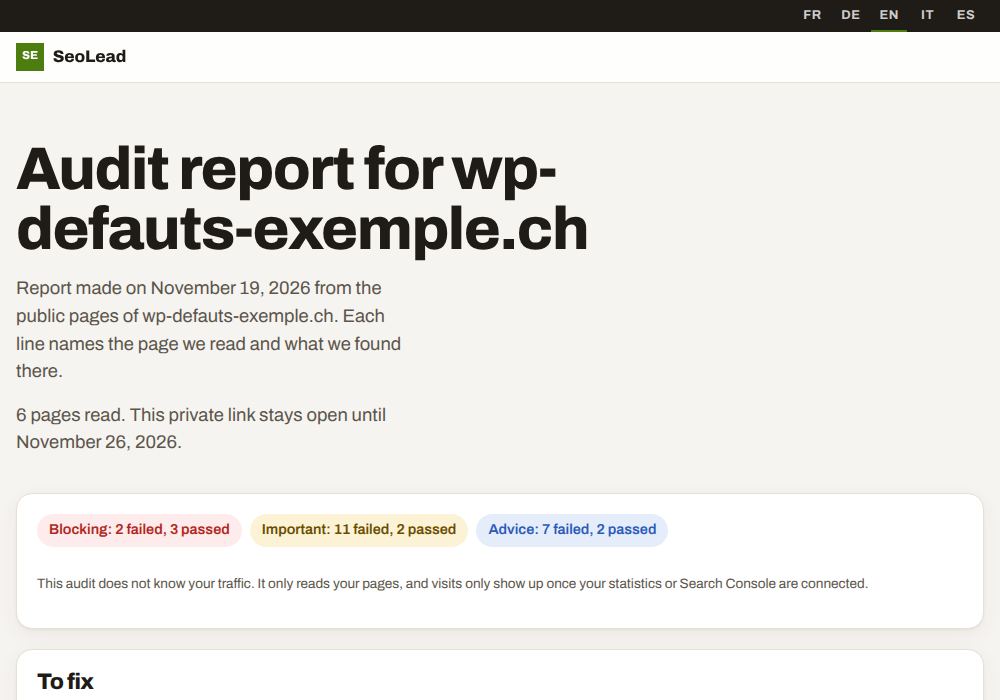
First, see what Google finds on your site
Enter your domain. SeoLead reads up to 25 public pages the way a search engine would, without JavaScript, and shows you what gets in the way, page by page, with the value it read each time.
The diagnosis is shown without an email address. If you then want the full report and the proposals SeoLead would make on Monday, you leave your address and tick the contact box yourself, which is never ticked in advance.
The journey
From the audit to the proof, in five steps
You stay in control at every step. SeoLead reads, measures and suggests, and nothing changes on your site until you have said yes to a specific proposal, either on screen or by email.
Free audit
Your domain is all it takes to see the technical issues on your pages, without creating an account.
Connections
You connect your WordPress site, then, if you wish, Search Console, Bing and your visit analytics.
Monday
You receive up to 5 proposals, on screen and by email, each one backed by a figure recorded during the week.
Your yes
Only the proposals you accept are applied, and each one keeps its Undo button in the History screen.
The proof
Four weeks after a change, you see the clicks and impressions from before and after, next to the rest of the site.
A proposal up close
Each proposal starts from a figure, and you answer it in five seconds
Each proposal says what SeoLead found, where the figure comes from, exactly what would change on which page, and how long it would take a person. If the figure is missing, the proposal is not made.
- The finding
- The Renovation page gets 210 impressions but ranks in position 12.4 on average.
- The source
- Search Console, 28 days to 16 Nov
- The action
- The title changes from "Renovation" to "Kitchen renovation in Bulle, on-site quote".
- The effort
- 5 min
Your yes, and nothing else
Nothing changes on your site without your agreement, one proposal at a time
A yes applies a single proposal. A no, or no answer at all, does nothing.
Before applying anything, SeoLead reads the page again. If you have edited it since Monday, it stops and tells you rather than overwrite your work. Afterwards, it reads the public page like a robot to check the change is really there, and rolls it back by itself if it is not.
- What can change
- titles, descriptions, internal links, structured data, alt texts, llms.txt
- New articles
- created as drafts, published by you alone
- Undo
- one Undo button per change, with no time limit
- Never
- publish, delete, touch a theme or a plugin
The proof after four weeks
What each change brought, without saying more than the figures do
When a change is applied, SeoLead records the clicks, impressions and visits of the 28 days before. It takes the same measurement over the 28 days after, and puts it next to the one for the rest of your site over the same dates.
When there is too little data to draw a conclusion, the Proof screen says so and gives no percentage. That is deliberate. SeoLead never writes that a result is down to it, and it promises neither a position nor a number of visits, because nobody can honestly do that for someone else's site.
Since the change, the page has had 34 Google clicks against 21 over the previous 28 days. The rest of the site grew by 4 % over the same period.
seolead.io
Next Monday, five proposals for your site
You sign in with your Lead account, the same one you use for the other applications in the suite.